

Features
Dynamic QR code features for tracking, branding, and control
Real-time scan analytics, destinations you can edit after printing, your logo and colors, and a free security suite. Free plan, no credit card.
Included free
What you get on every plan
The free plan is the full product. Everything on this page is included unless it carries a Pro badge.
Edit the destination anytime
Every QRelix code is dynamic. Change where it points without reprinting it.
Real-time scan analytics
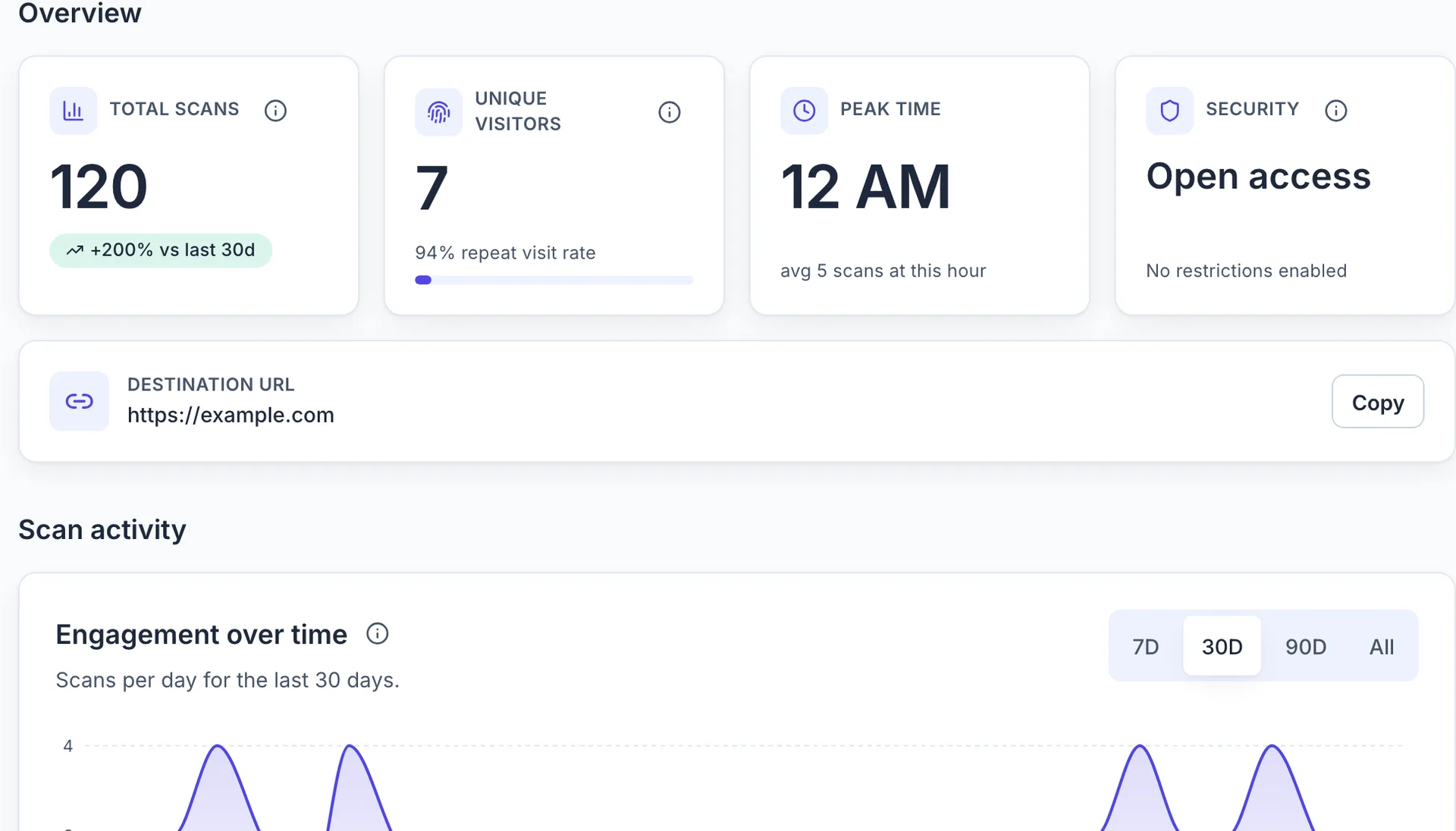
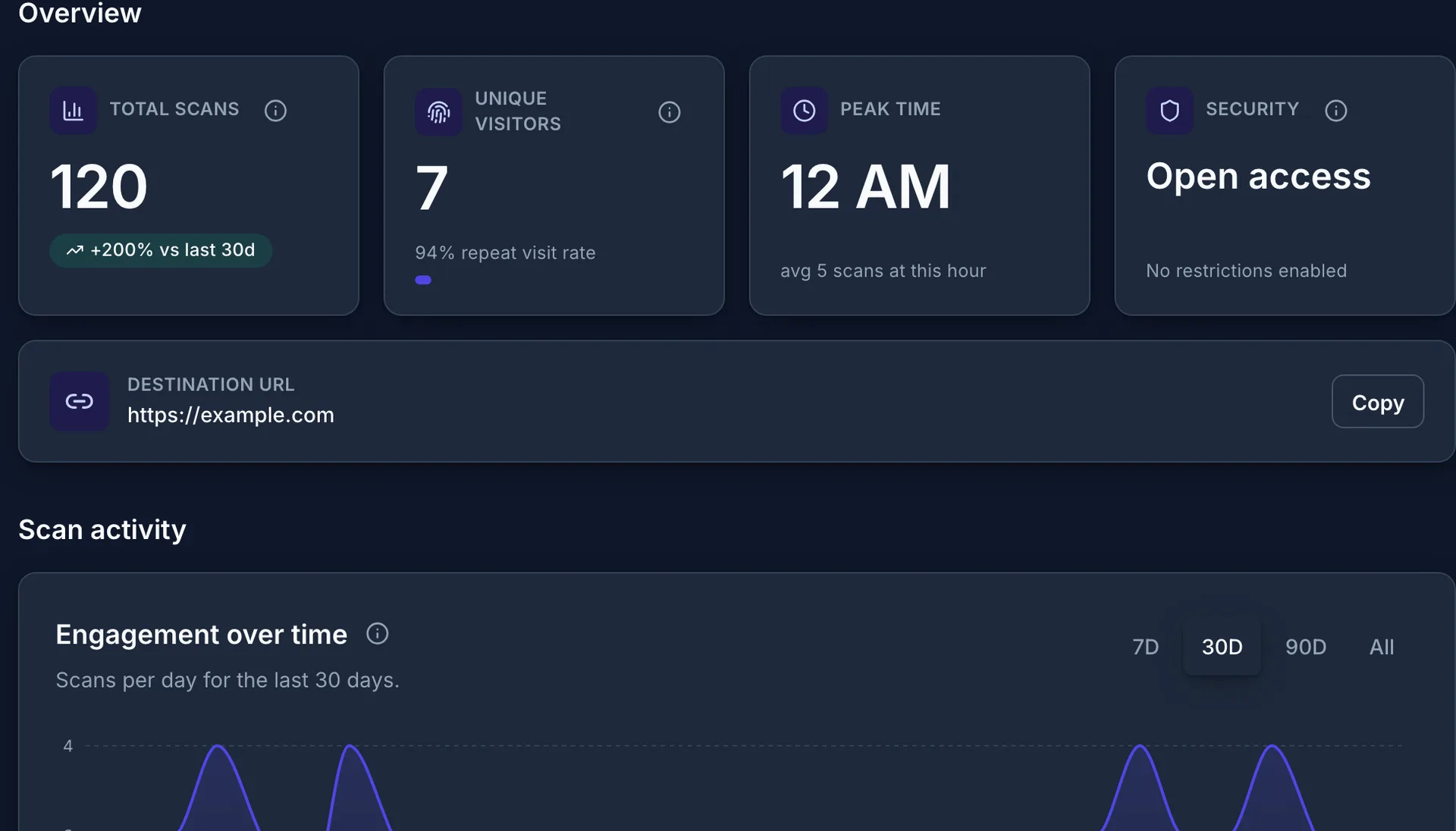
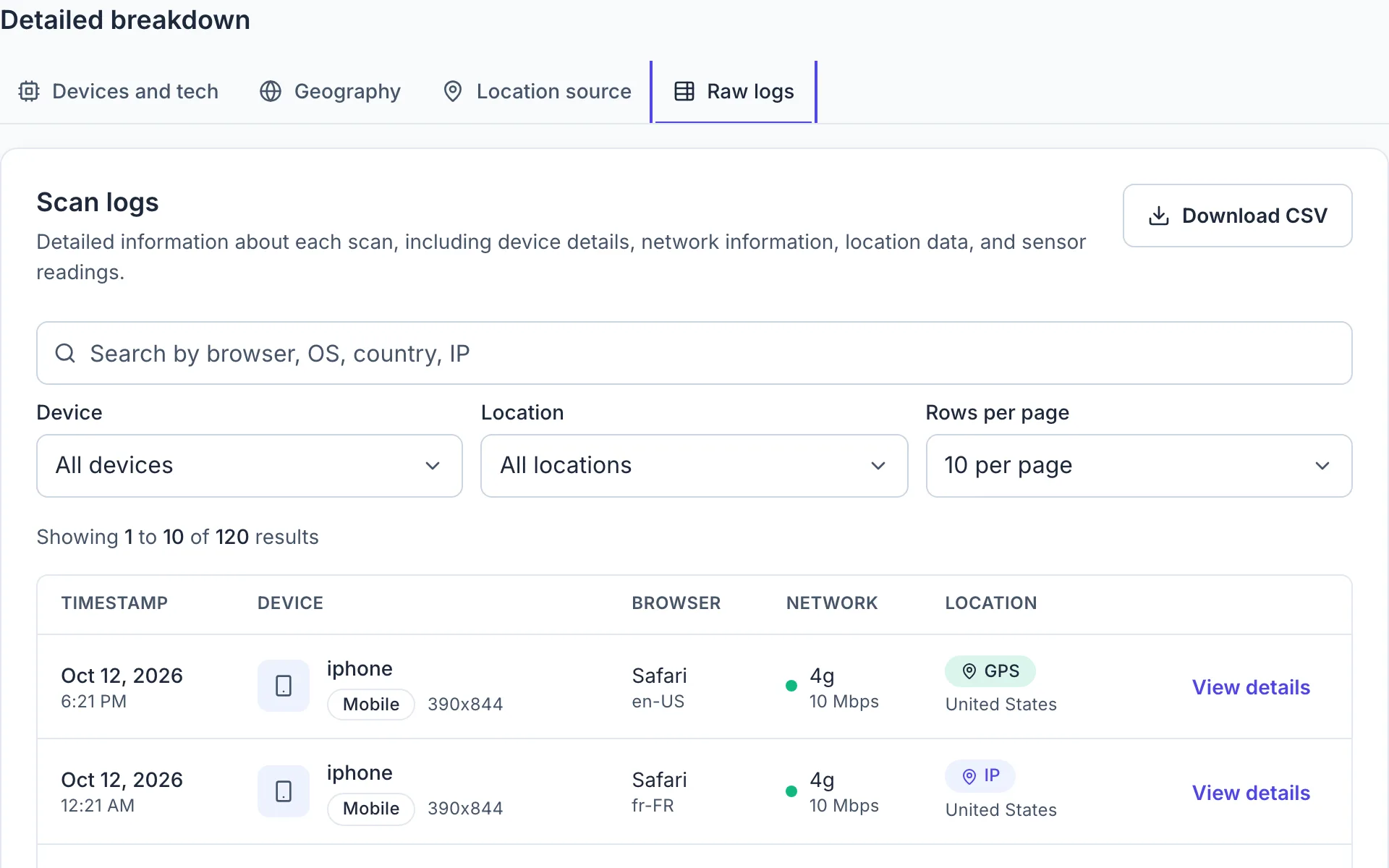
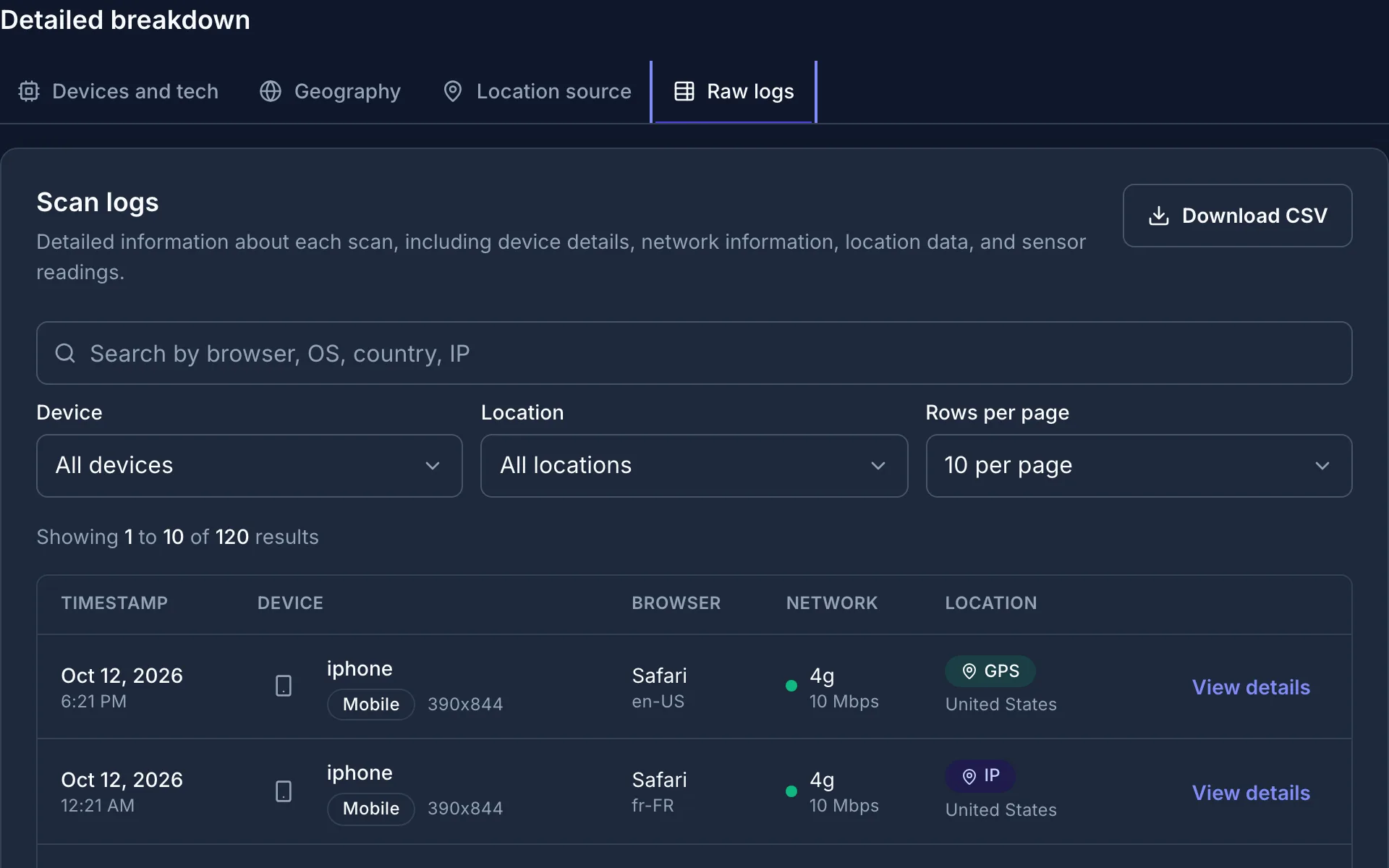
Each scan is logged as it happens, with the time, device, browser, and location.
Custom design
Your colors, corner and dot styles, and your logo in the center of the code.
Print-ready 300 DPI SVG
Download a vector file that stays sharp on a business card or a billboard.
39 QR code types
Links, Wi-Fi, app stores, social profiles, and hosted pages for menus, PDFs, link in bio, and business cards.
No account up front
No credit card and no account to start. An email saves your code and its analytics.
QR code types
39 QR code types, every one dynamic and trackable
Each code points through a QRelix link, so you can change the destination later and see every scan. Choose the type in the first step of the wizard.
Links
Websites, smart routes, and scan actions
- URLLink to a website or web page
- Smart RouteSend each scan to the right link by device, country, language, time, or A/B split
- Mirrored QRCopy an existing QR code and make it trackable
- Wi-Fi LoginPhones join your network straight from the camera
- MapsOpen Apple Maps or Google Maps at an address
- EmailStart an email with the subject and body filled in
- PhoneStart a call or a text message
Hosted pages
Mobile pages QRelix hosts, styled with your brand and editable anytime
- Link in bioAll your links on one branded page
- MenuSections, dishes, prices, and dietary tags, easy to update
- PDFA PDF that opens right on the phone, with a download button
- ImageA photo, flyer, or graphic, full width
- FileShare a document, spreadsheet, or presentation to download
- VideoPlay an uploaded video or a YouTube or Vimeo link
- Business cardContact details with one-tap Save contact
- EventDate, place, and Add to calendar
- Wi-Fi pageNetwork name and password on a branded page, one tap to copy
- SurveyCollect feedback with your own questions
- Simple pageText, images, and buttons for anything else
Reviews
Ask customers for a review in one scan
- Google ReviewOpen the Google review box for your business
- Yelp ReviewOpen your business on Yelp to leave a review
Social and deep links
Social profiles, posts, music, and app stores
- App StoresSend iPhone and Android to the right store
- YouTubeOpen a YouTube channel or video
- InstagramOpen an Instagram profile or post
- FacebookOpen a Facebook profile or page
- X (Twitter)Open a profile or post on X
- TikTokOpen a TikTok profile or video
- LinkedInOpen a LinkedIn profile
- ThreadsOpen a Threads profile
- PinterestOpen a Pinterest profile or pin
- SnapchatAdd a Snapchat friend
- RedditOpen a subreddit or Reddit profile
- TwitchOpen a Twitch channel
- DiscordJoin a Discord server
- SpotifyPlay an artist, album, playlist, song, or podcast
Messaging
Start a chat in one scan
- WhatsAppStart a WhatsApp chat with your number
- TelegramOpen a Telegram chat or channel
- MessengerStart a Facebook Messenger chat
Payments
Get paid with a scan
- VenmoOpen a Venmo profile or prefill a payment or request
- PayPalOpen your PayPal.Me link, with an optional amount
- Cash AppOpen your $Cashtag, with an optional amount
Each type has its own guide in the documentation.
Analytics
Real-time scan analytics, included free
Every scan is recorded the moment it happens and shown on the analytics page for that code. Nothing about analytics is held back for Pro.
- Scans over time, by day and by hour
- Device type, browser, and operating system
- Country and city, with a map
- A scan log with the time, device, browser, and location of each scan
Dynamic
Edit the destination after printing
A QRelix code encodes a short QRelix link. Change where that link goes and every printed copy follows.
- Update the URL, hosted page, or Wi-Fi details from the dashboard
- Point a URL code at several destinations, chosen at random on each scan
- Mirror an existing QR code to make it trackable without reprinting it
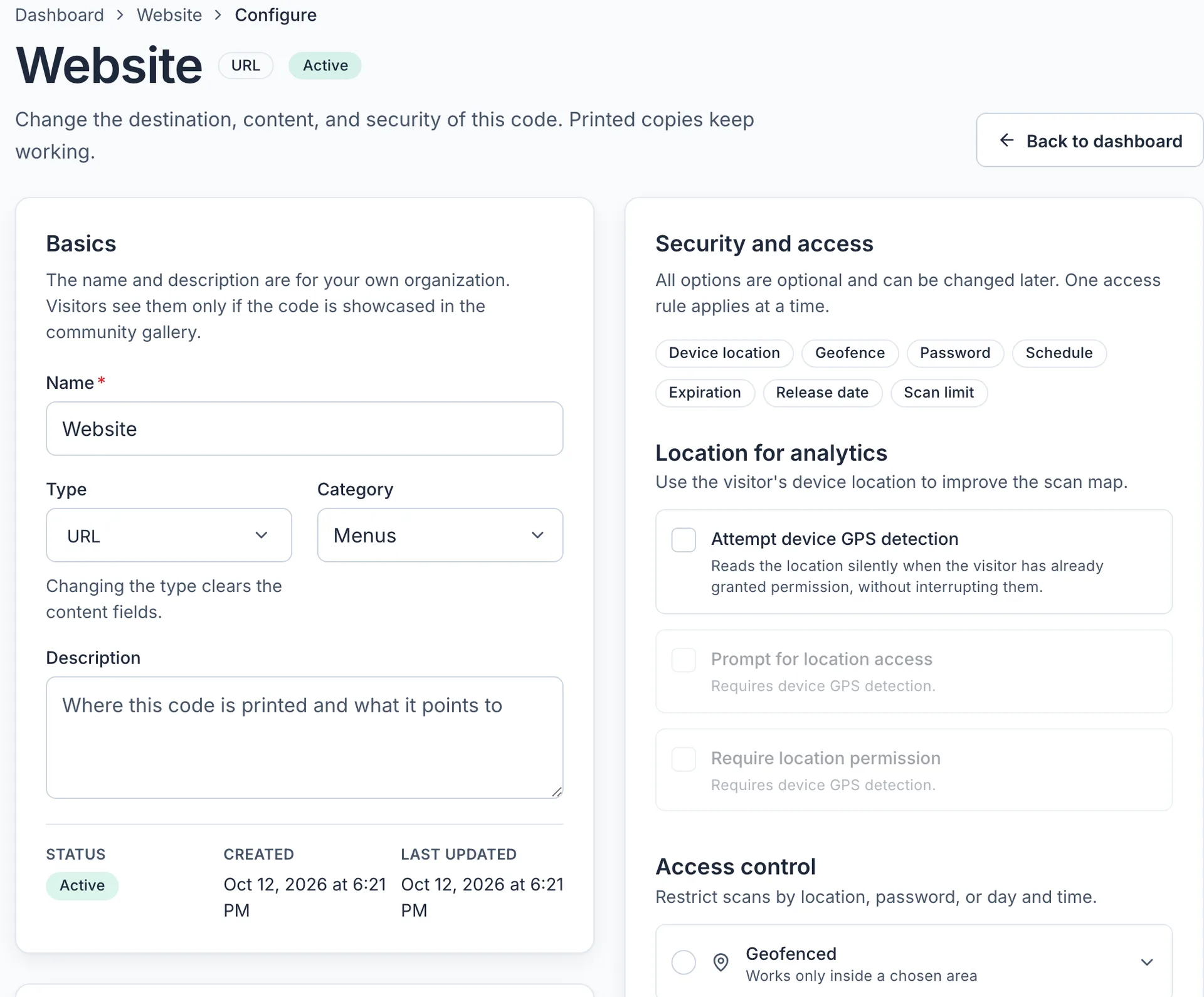
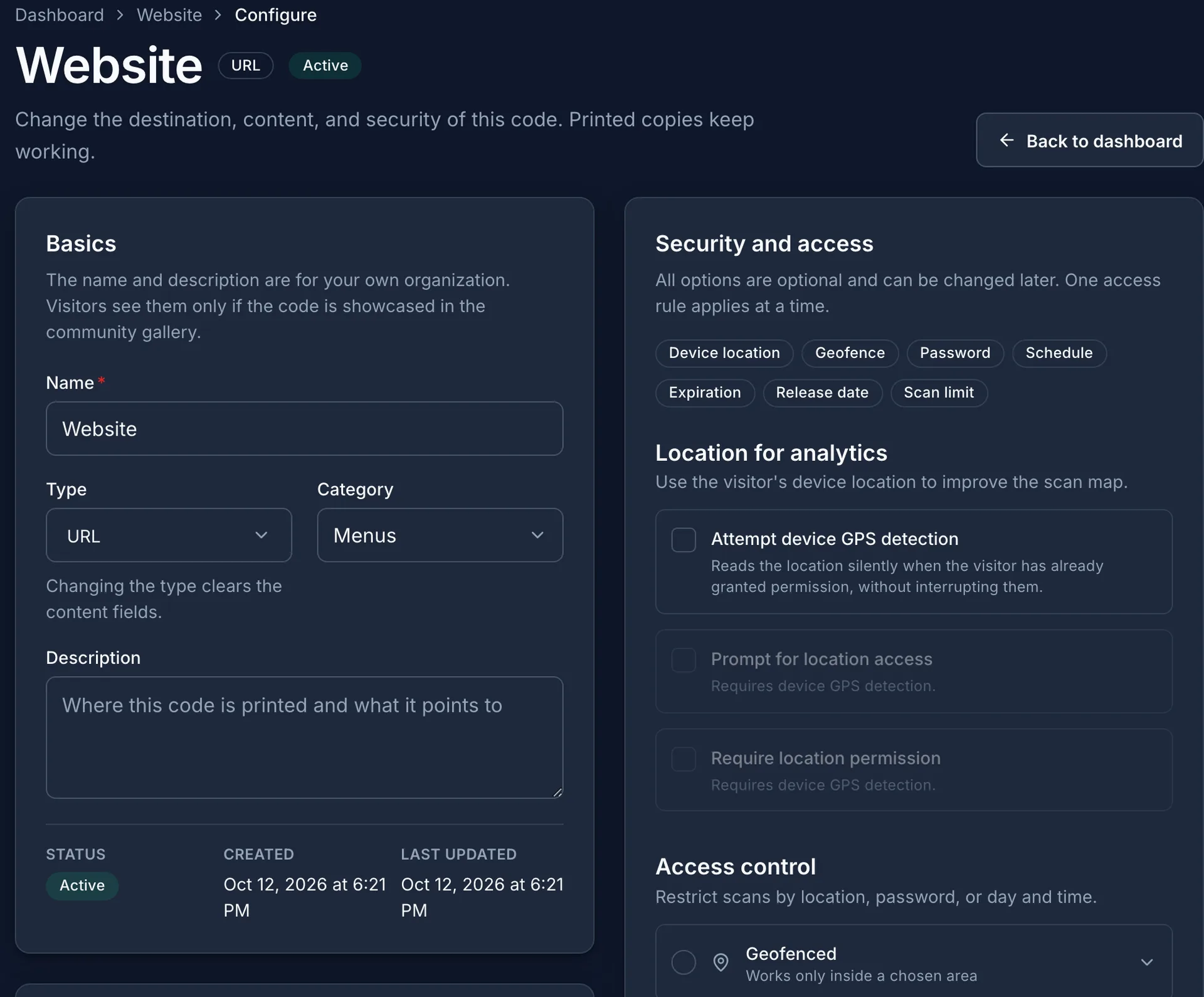
Hosted pages
A mobile page for every QR code, no website needed
Build a QR code menu, PDF, link in bio, or digital business card in minutes. QRelix hosts the page, styles it with your brand, and tracks every view and tap.
- 11 templates: link in bio, menu, PDF, image, file, video, business card, event, Wi-Fi, survey, and simple page
- Edit the page anytime and every printed code shows the change
- Your logo and colors with a Brand Kit on Pro and Team
- Page analytics on every plan: views, scans, taps, downloads, and survey answers
Design
Your colors, corner and dot styles, and logo
Style the code in the wizard or restyle it later from the dashboard. The destination and the analytics stay the same.
- Four presets to start from: Classic, Modern, Playful, and Vintage
- Dot and corner styles from square to rounded, any foreground and background color
- Your logo in the center of the code
- Download the finished code as a print-ready SVG
Security
Security and access control Free
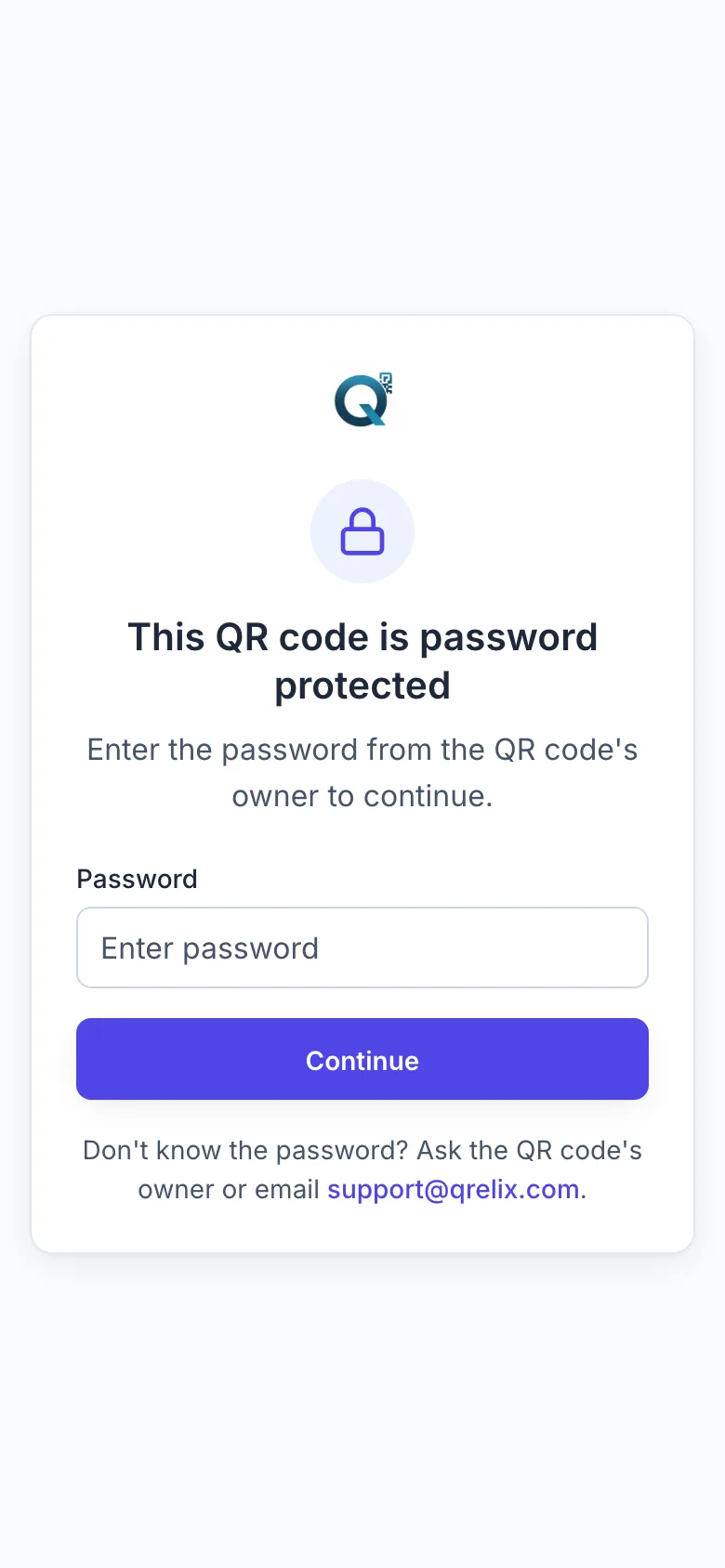
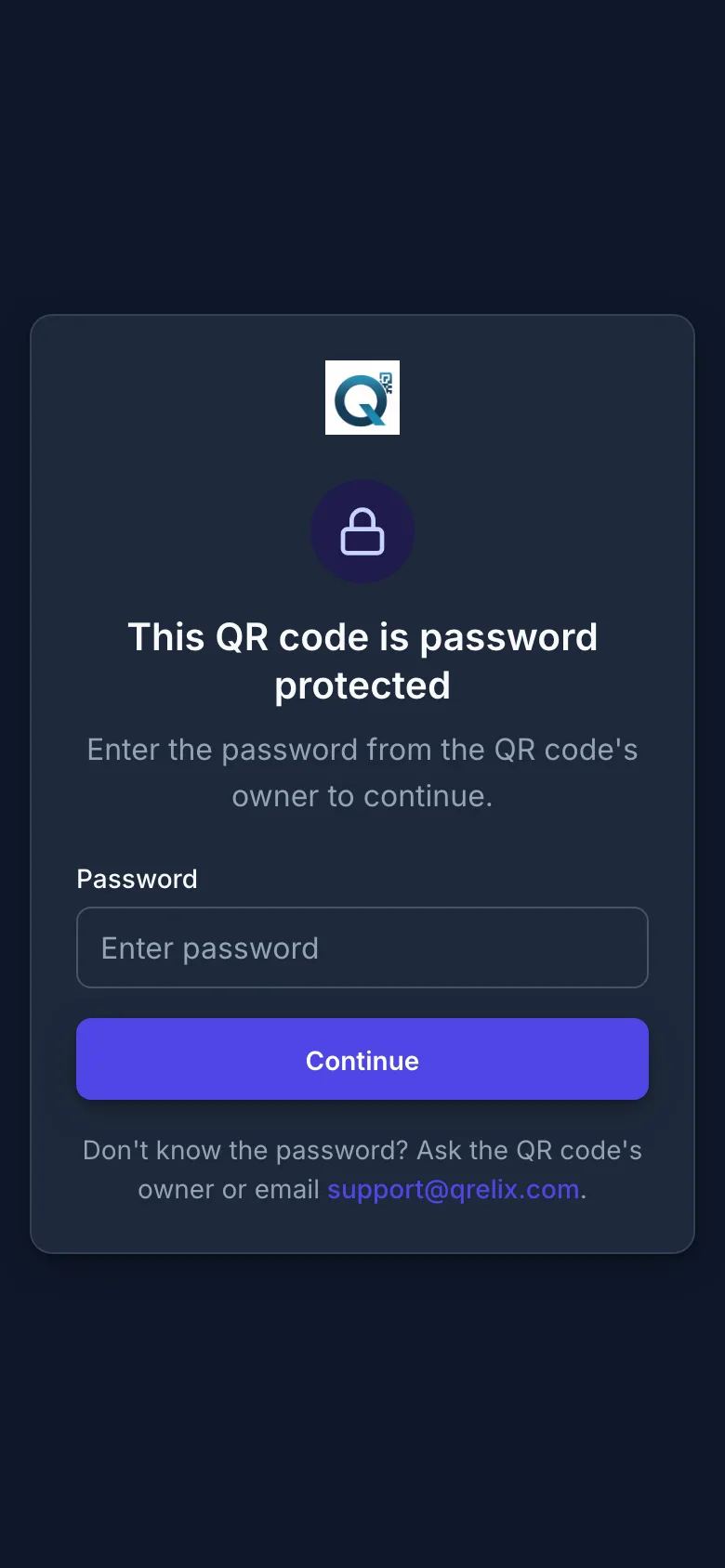
Free password-protected, expiring, and geofenced QR codes, plus scan limits and scheduling, on every plan. Set a rule in the wizard's security step or later from the code's settings.
Password
Scanners enter a password before they are forwarded.
Expiration date
The code stops working after a date you choose.
Scan limit
The code stops after a set number of scans.
Geofence
Only scans inside a radius around a location go through.
Time-released
The code starts working at a date and time you choose.
Access hours
Choose the days of the week and the hours the code answers.
Dashboard
Manage every code from one dashboard
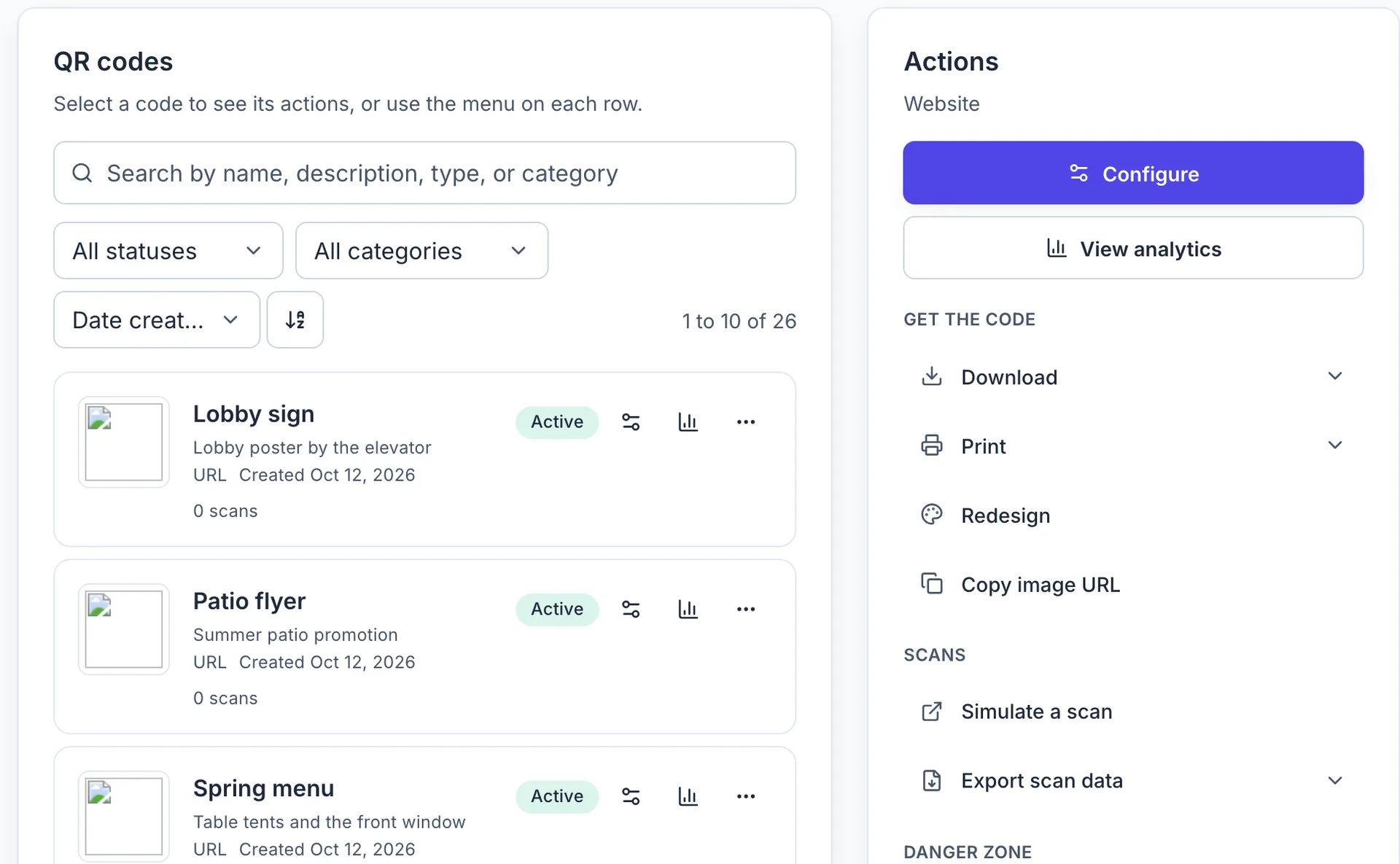
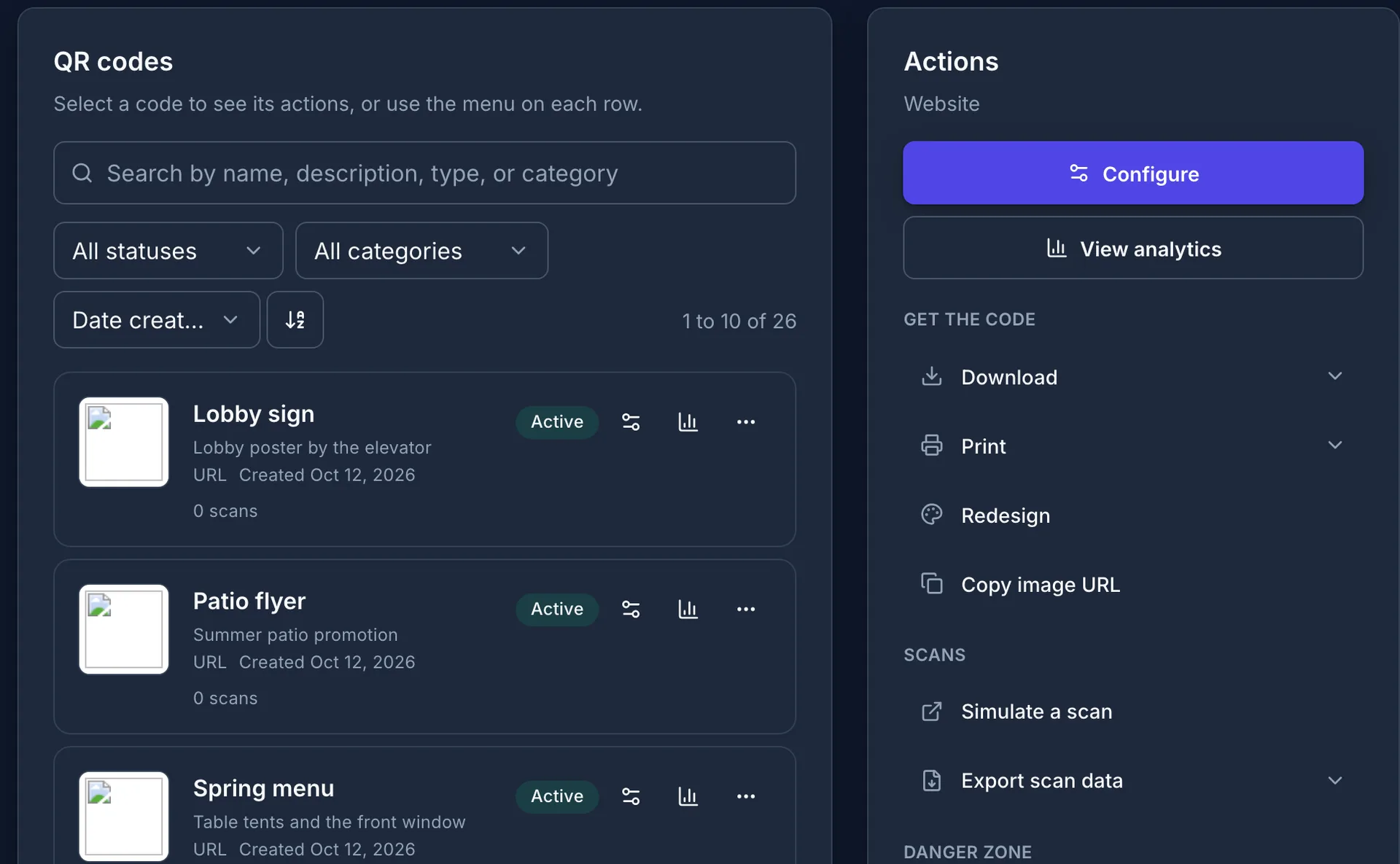
Each code has its own settings, analytics, and design pages, and the list stays organized as it grows.
Categories
Group codes by campaign, location, or client and filter the list by category.
Enable and disable
Pause a code and turn it back on later, free on every plan. The printed code does not change.
Multiple destinations
Give a URL code several destinations and QRelix picks one at random on each scan.
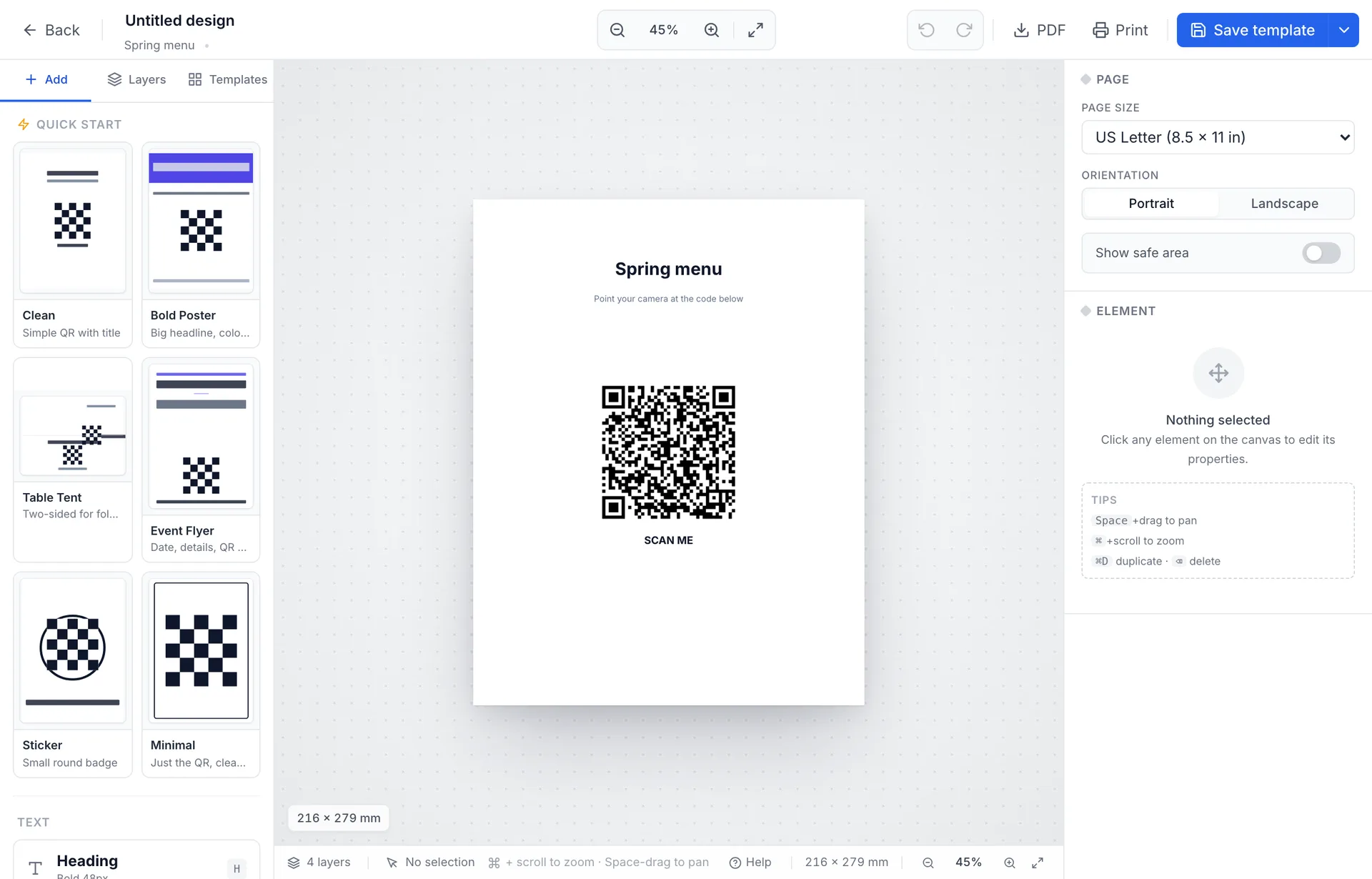
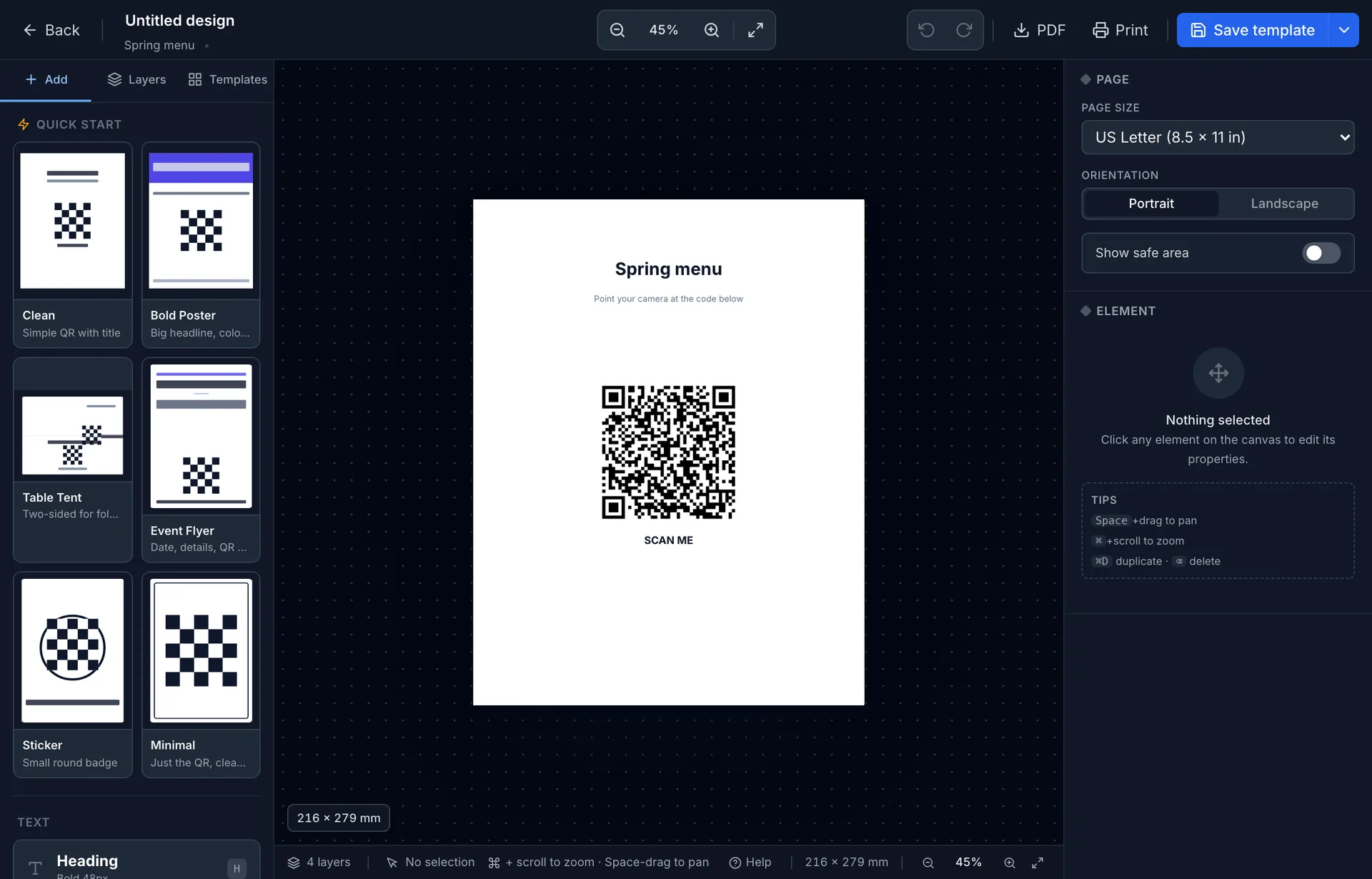
Print layout designer
Place the code, text, and images on a page template and print it from the browser.
Analytics per code
Open the scan analytics and the scan log for any code from its row in the list.
AI integration
Manage QR codes from Claude, ChatGPT, or Cursor
QRelix has a Model Context Protocol server. Connect your assistant and create codes, change destinations, and ask for scan counts in conversation.
Custom domains
QR codes on your own domain Team
Connect up to 3 domains like go.yourbrand.com with one DNS record. QRelix adds HTTPS automatically, and your analytics and security rules work the same.
Free to start, Pro when a code needs more
Free codes show a short QRelix screen on each scan and pause after 50 scans; Pro removes both for $5.99 a month, billed monthly.
Create your first trackable QR code in a minute
Free plan, no credit card. Edit the destination any time and watch the scans come in.